I’m overdue to update our blog post on Chrome productivity extensions, and I’m wondering what yours are?
My essentials are:
I also just learned that Todoist has a Chrome extension, so I’m going to try that out.
Funny enough, I do not use an ad blocker for Chrome these days because I need to be able to see our ads!
What are your essentials?
1 Like
I don’t have anything to add, but I am so excited to see what other folks are using! @josh.centers can you give me the quick and dirty of why I’d have the TextExpander extension? (I feel like I must be missing something great…)
If you already use the desktop app, you probably don’t need the Chrome extension, and the two may even conflict (I’m always running a test version, so it’s hard for me to say for certain).
The main use cases:
- If you’re just kicking the tires on TextExpander and want an expedited onboarding experience. This is why we emphasize the extension for new users.
- If you can’t install the full desktop app. For instance, if you’re a desktop platform other than Mac or Windows like a Chromebook or some other Linux flavor. Or if you have a locked-down system that prevents you from installing new software.
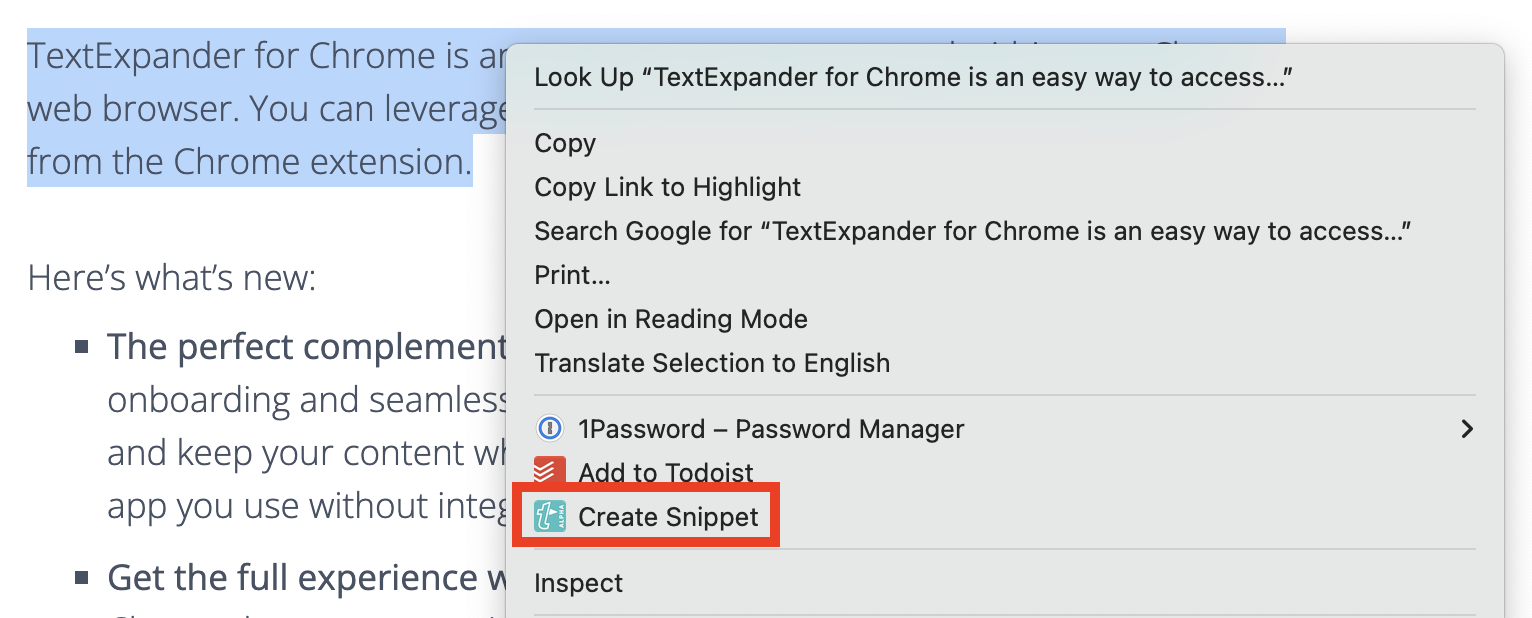
It also has another neat feature: You can create a Snippet from selected text.
Dark Reader.
You don’t know how much you’ve needed this extension. Your eyes will thank you for dark mode on sites that don’t offer it. Like Gmail. And hundreds of other sites we spend time at all day.
And if you do on-camera recording while referring to and looking at a screen near you, you won’t have the glare visible in your glasses or your eyes that you have if you’re not in dark mode.
2 Likes